Browse & join
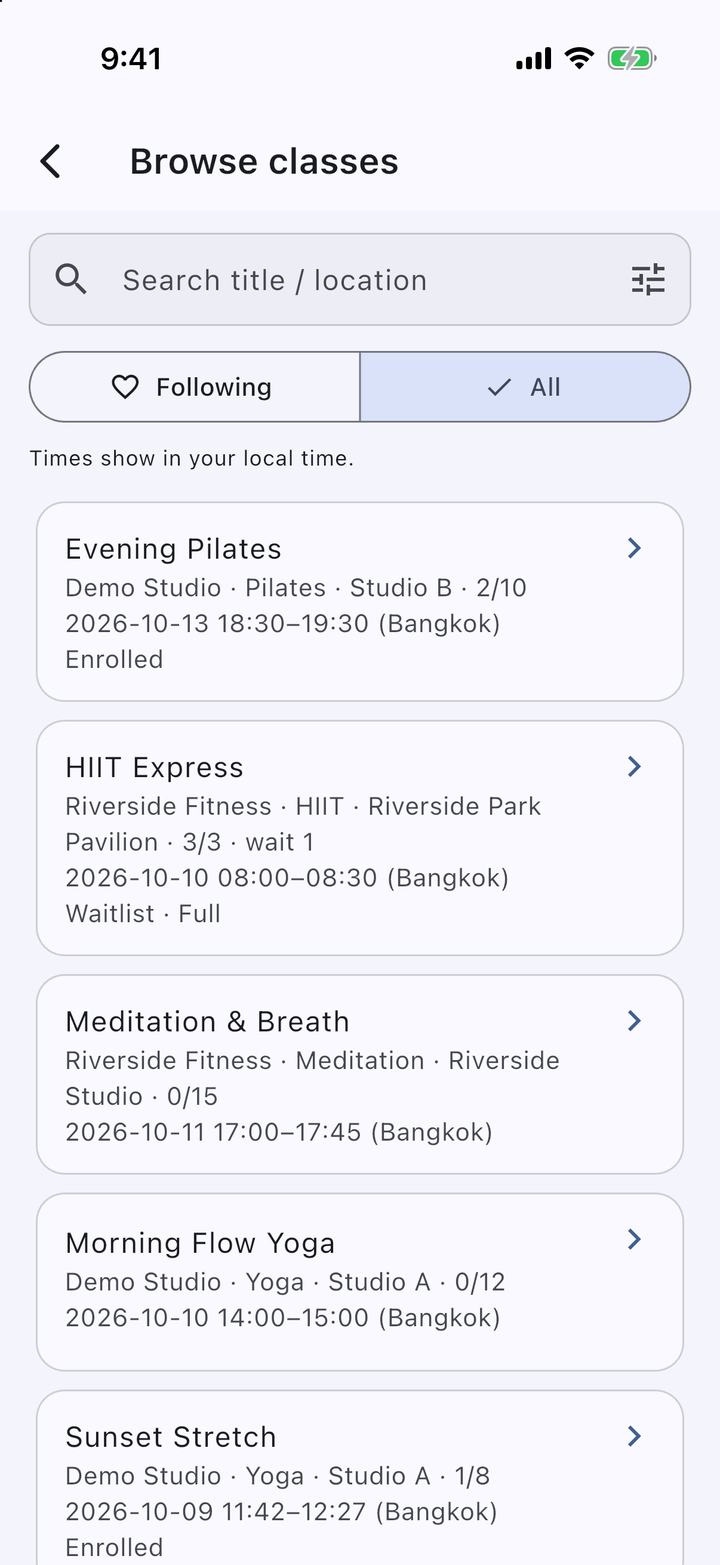
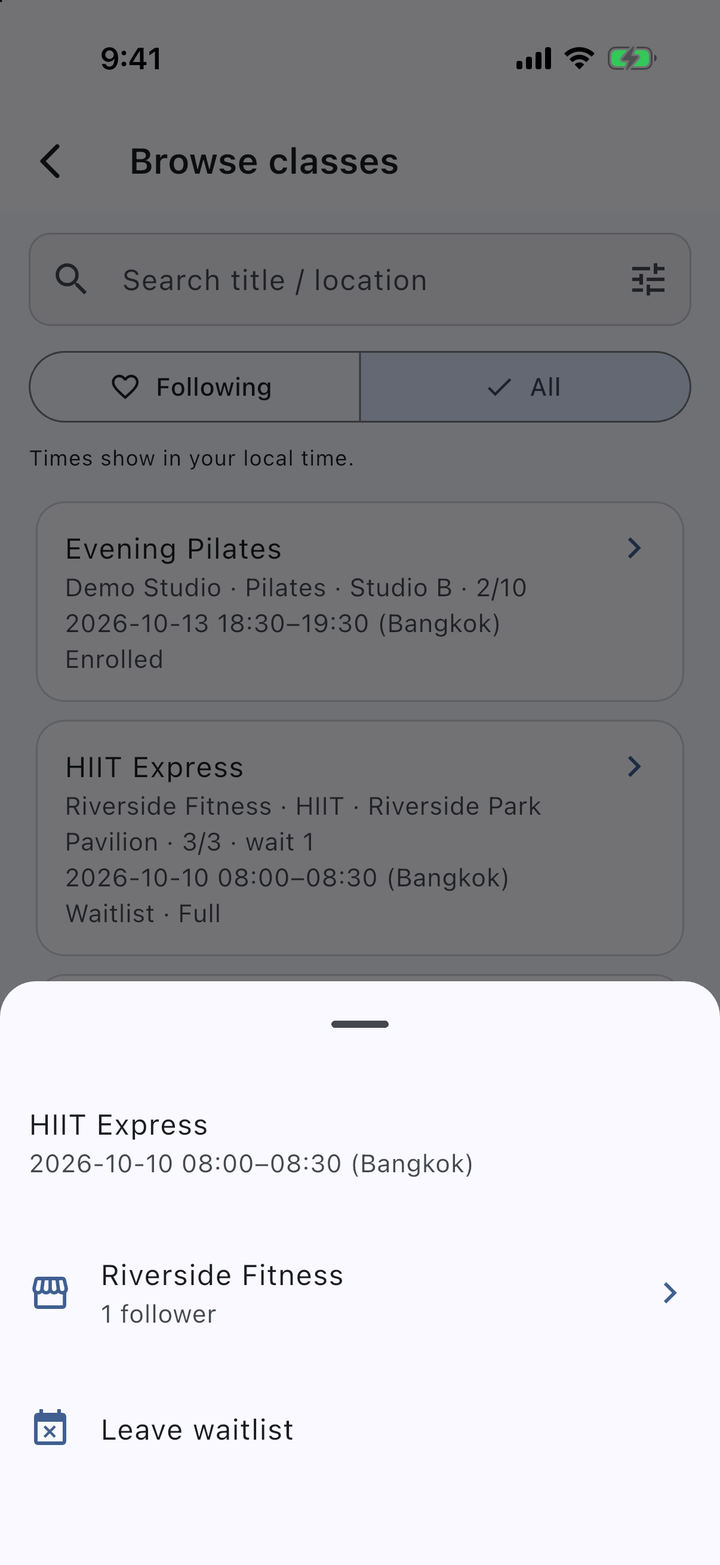
Search classes by title or location, switch between organizers you follow and all classes, and join with a tap. Session times are shown in your own time zone.
IDEA HOUSE Class Hub
Class Hub connects class organizers with the members who attend. Organizers publish classes with one-off or weekly sessions; members browse, join or take a waitlist place, follow the organizers they like, and get a reminder before each session. Apps for Android and iOS, plus a web portal for organizers and administrators. Sign in with email, Google, or Apple, in Light or Dark theme.
Search classes by title or location, switch between organizers you follow and all classes, and join with a tap. Session times are shown in your own time zone.
When a class is full, members go on the waitlist. If a seat opens, the earliest waitlisted member is enrolled automatically and notified.
Find organizers by name, see their class types and upcoming classes, and get a push notification when an organizer you follow publishes a new class.
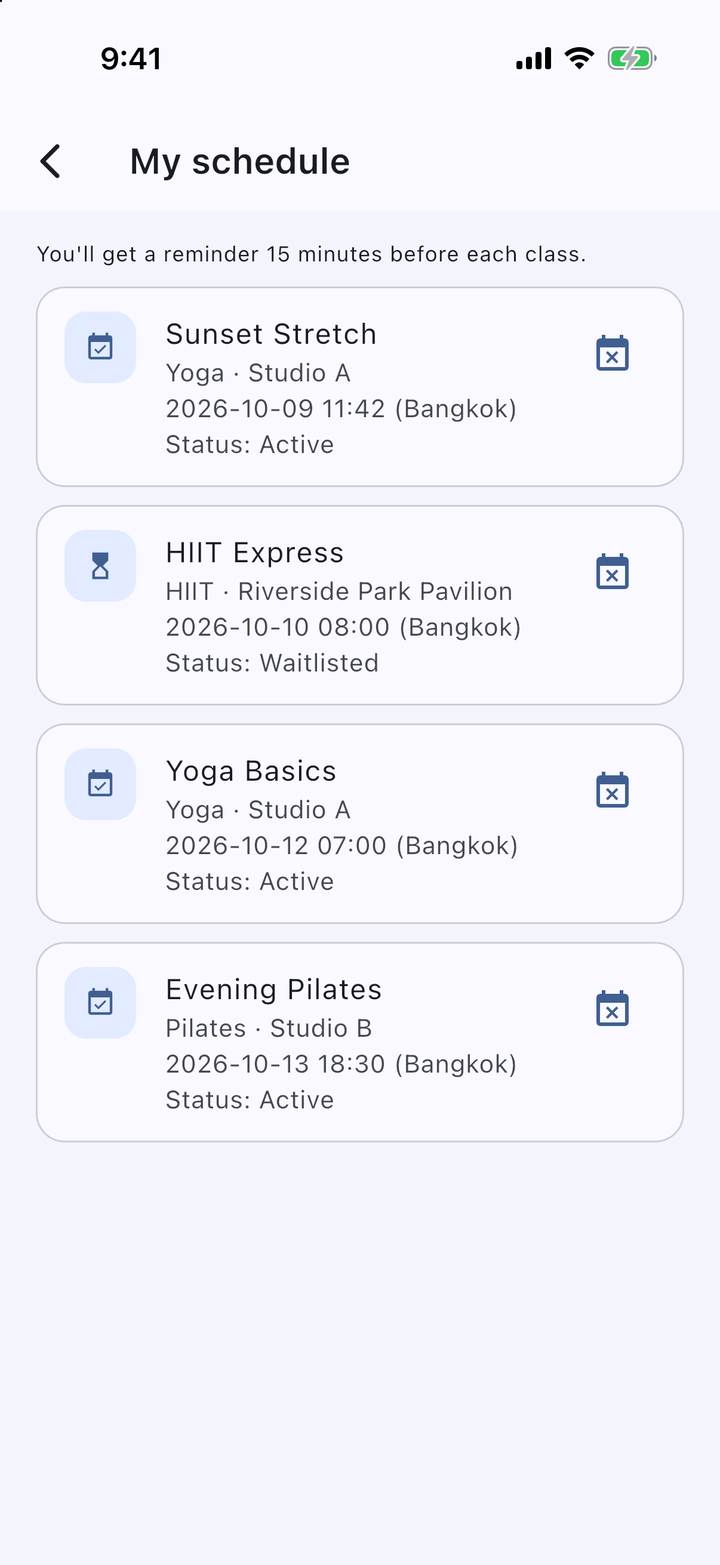
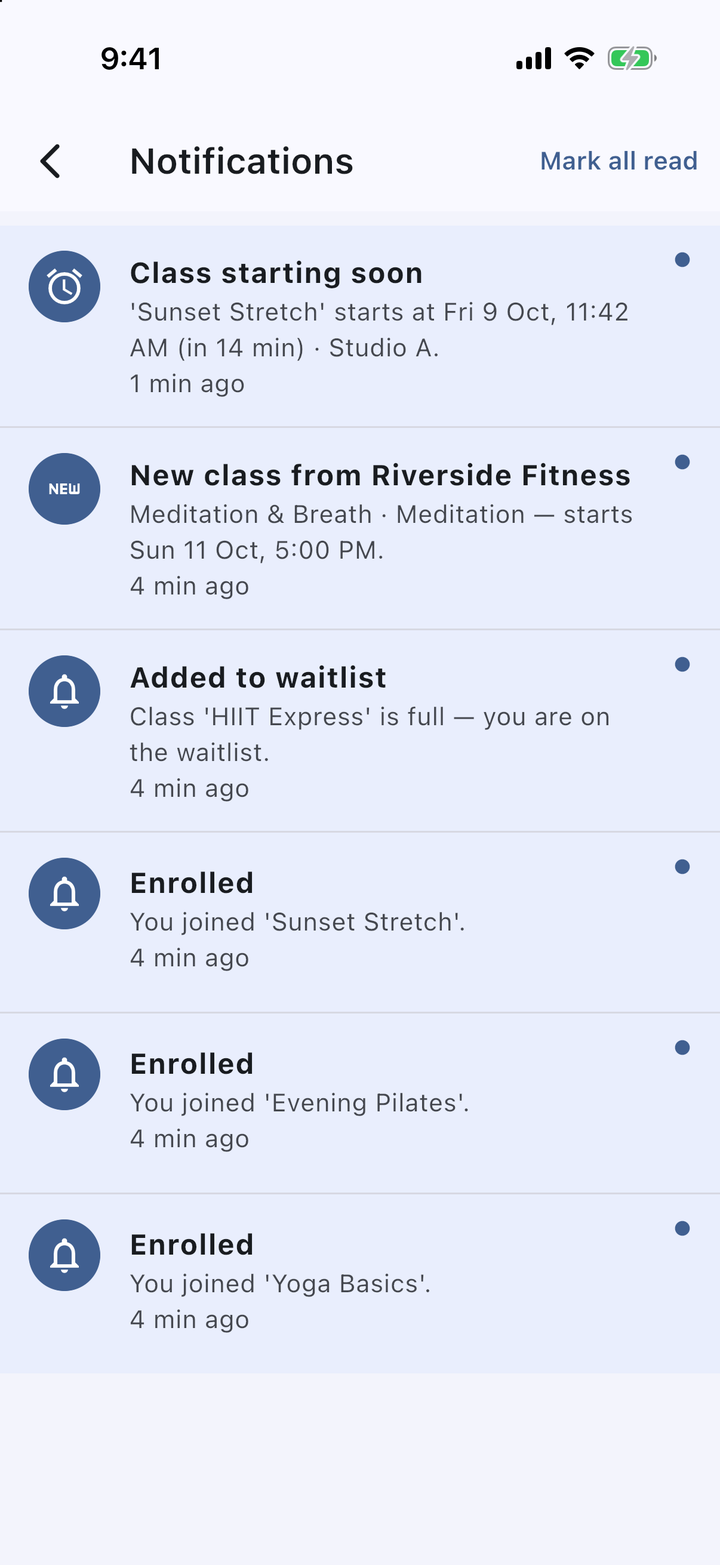
Push and in-app reminders about 15 minutes before each session, plus an in-app inbox for bookings, waitlist updates, and cancellations.
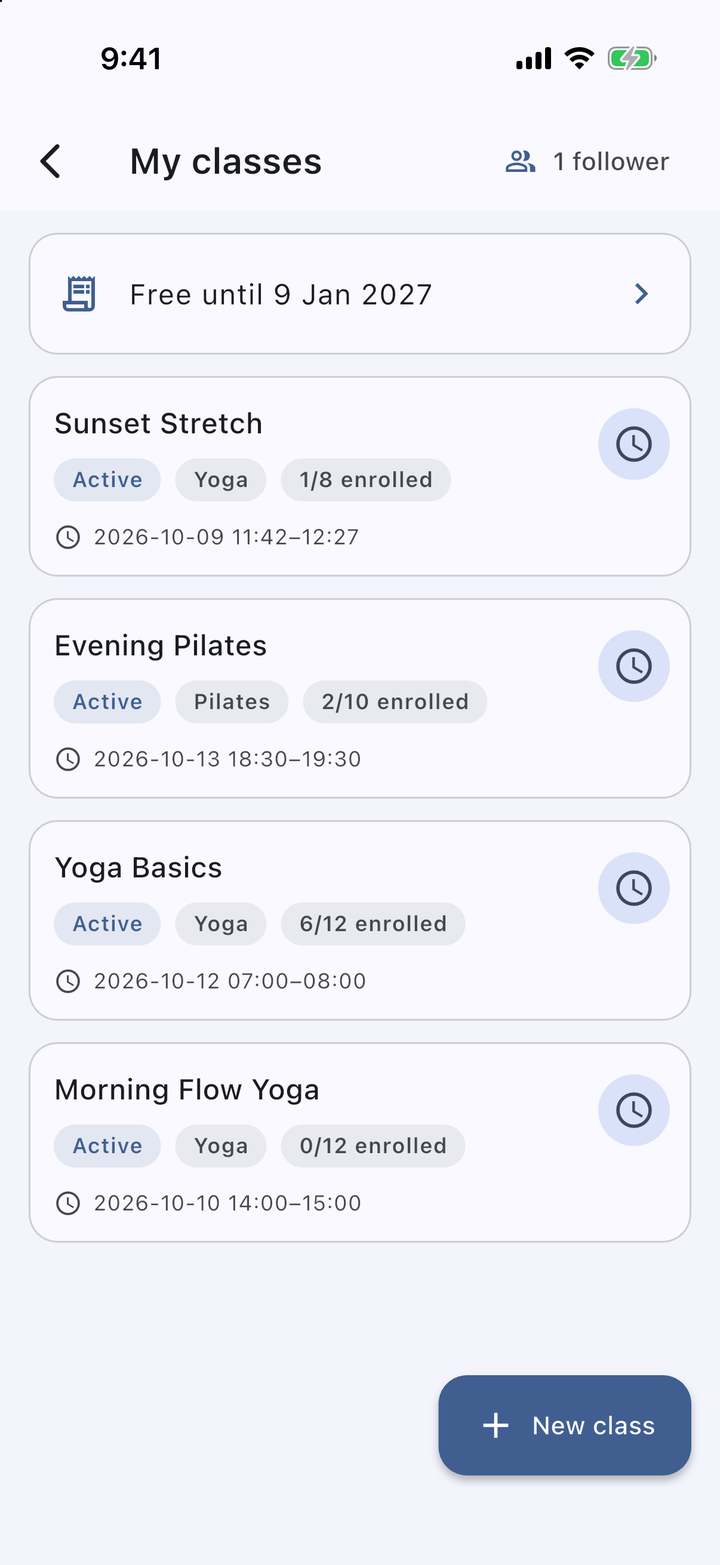
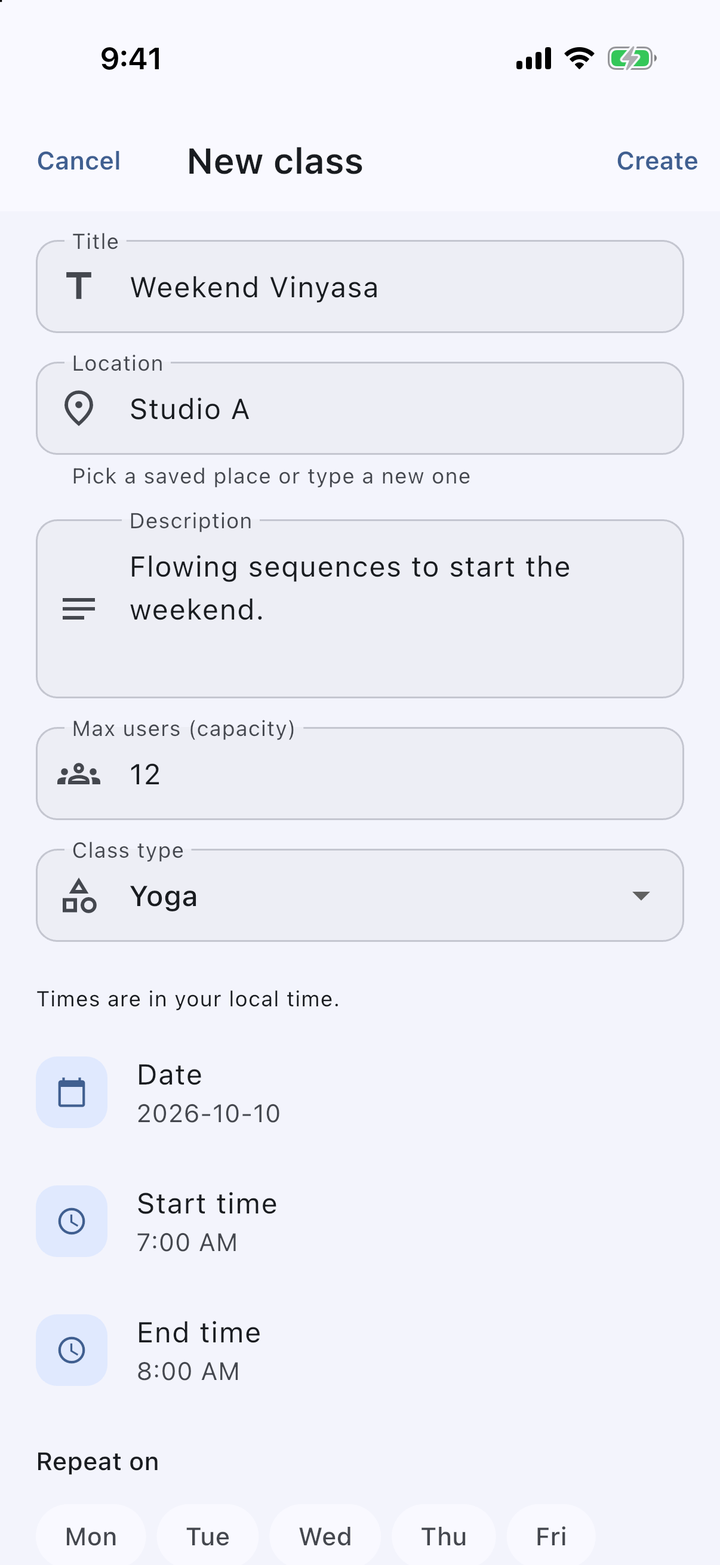
Organizers set a title, type, location, and capacity, then add a single session or repeat it weekly on chosen days. Sessions can be moved or cancelled with a reason, and members are told when a class is cancelled.
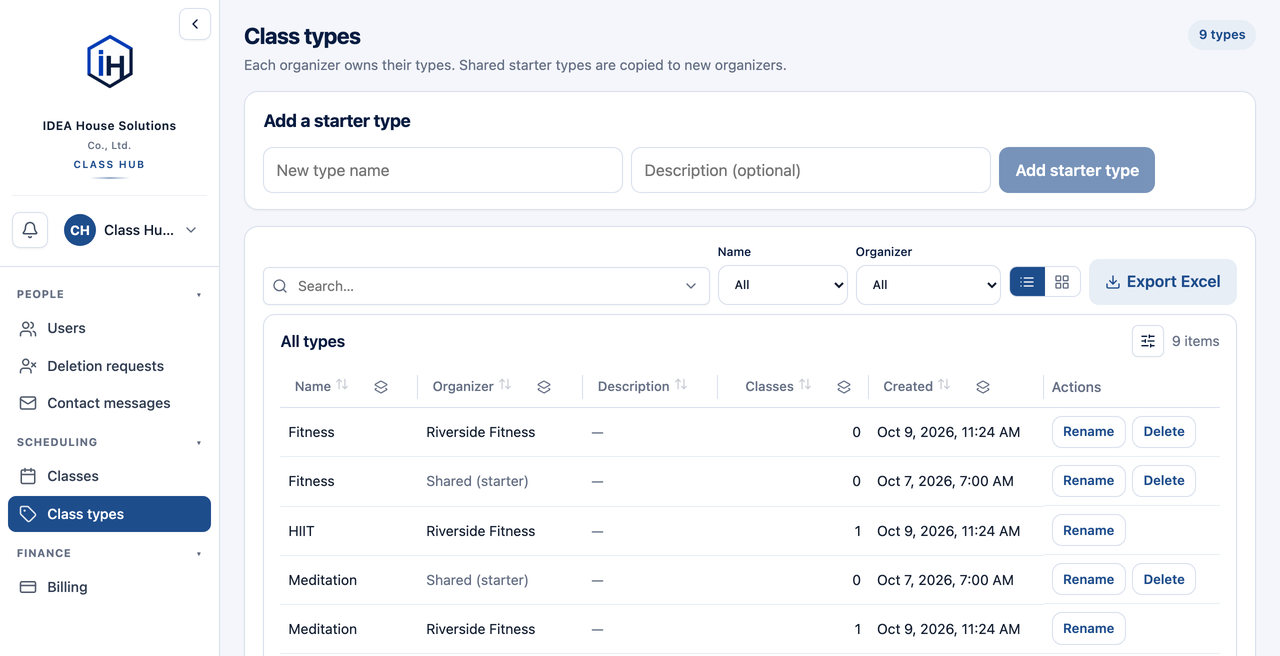
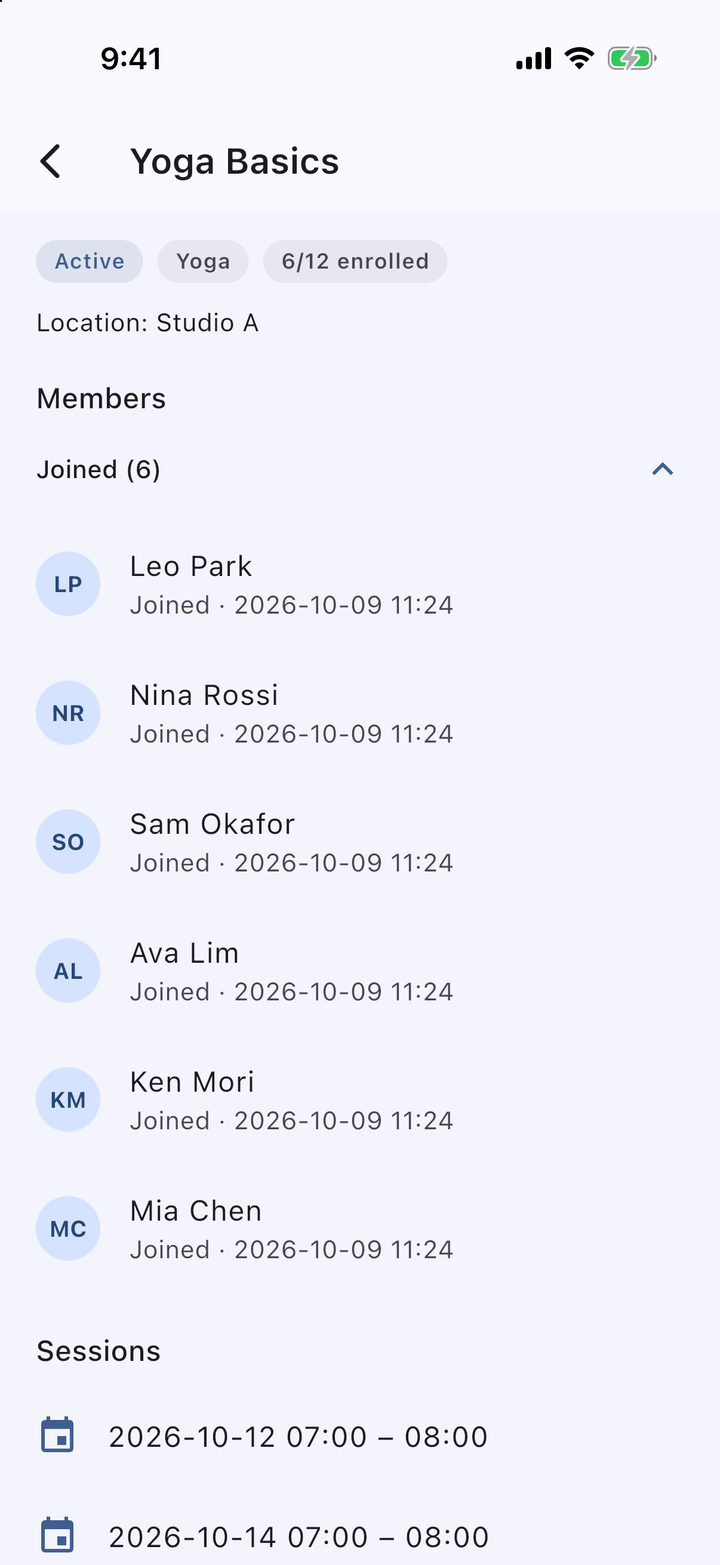
Yoga or anything else: organizers can add their own class types, and see who has joined or is waiting for each class.
Organizers create classes free during the free period, then choose a plan on the web portal, pay by bank or mobile-wallet transfer using the QR code or account number, and upload the slip for verification.
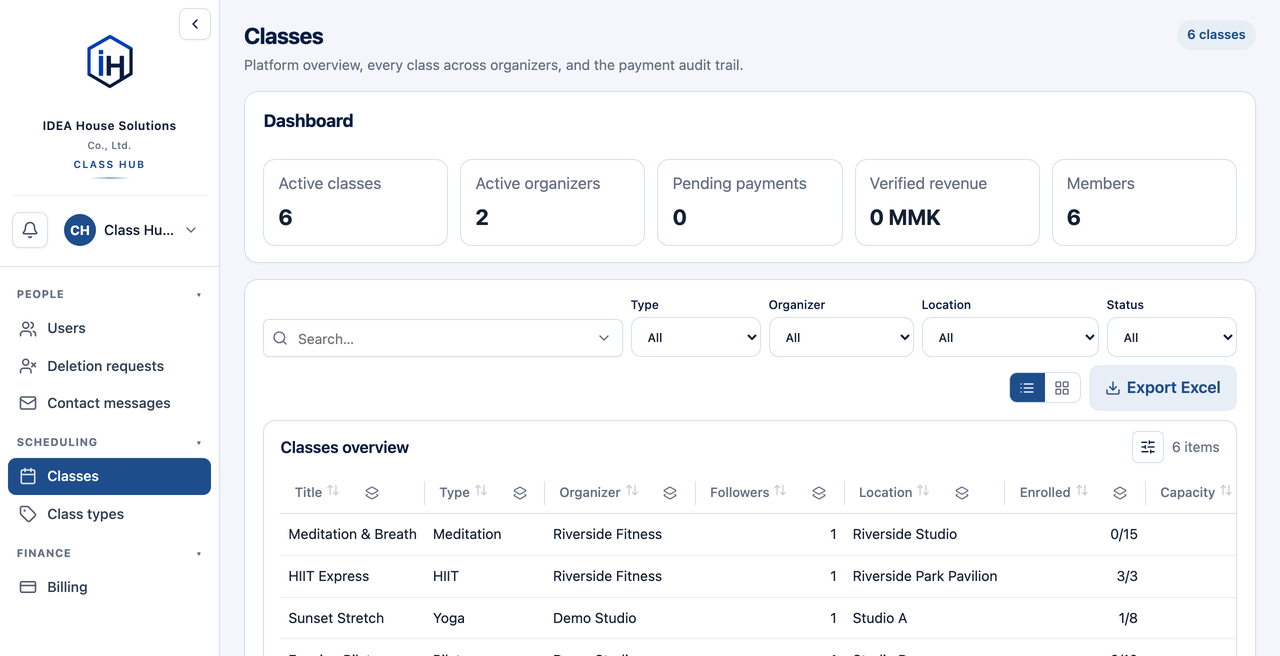
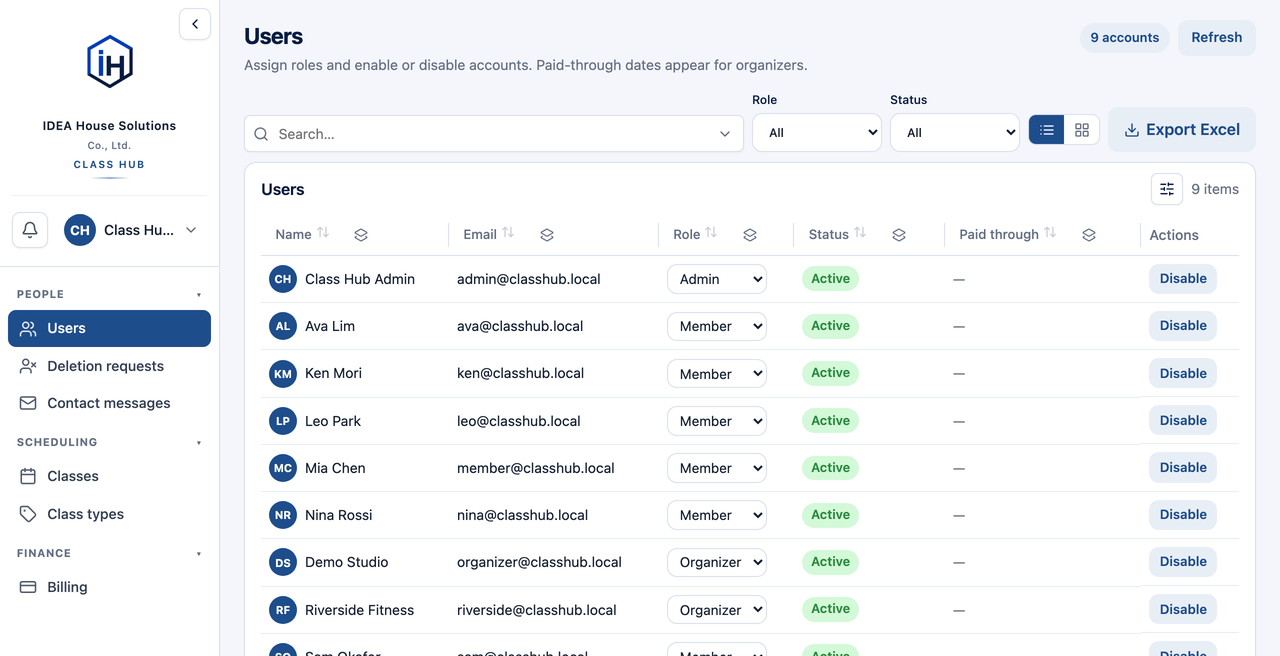
Administrators manage users and roles, review every class, verify payments, and handle support messages and account deletion requests, with Excel export.